Feb 25, 2026
3 min. read
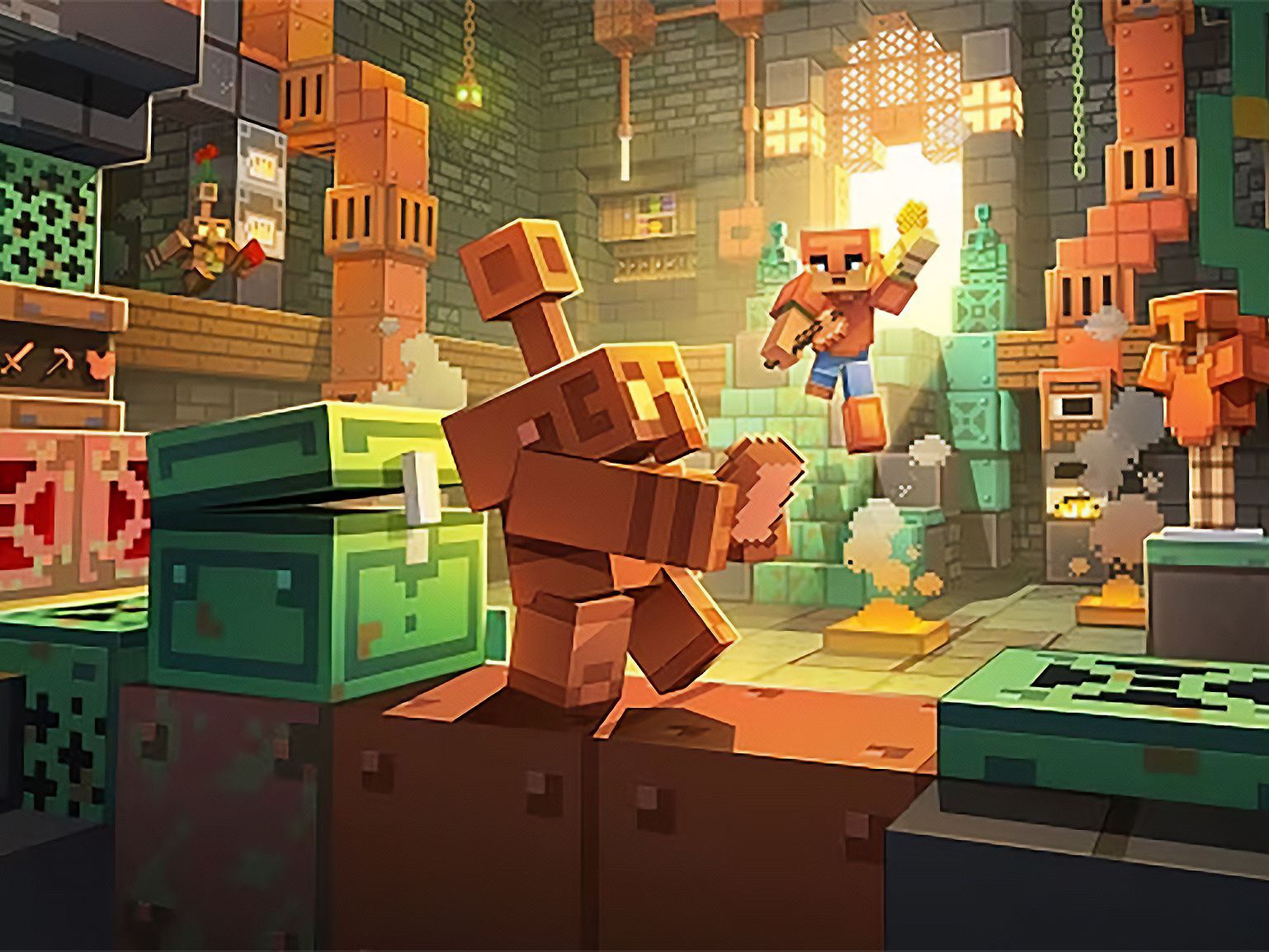
Minecraft Education just released a big update. Version 1.21.13x, officially called the Copper, Collaborate & Compete Update, launched on February 17, 2026, and it brings some of the most exciting classroom-ready changes we've seen in a while.
Whether you're a teacher already using Minecraft Education or someone looking to bring more engaging learning into your lessons, this update opens up real new possibilities. Let's break down what's new.
Dedicated Servers: Bigger, Better Multiplayer
This has been one of the most-requested features in the Minecraft Education community for years, and it's finally here.
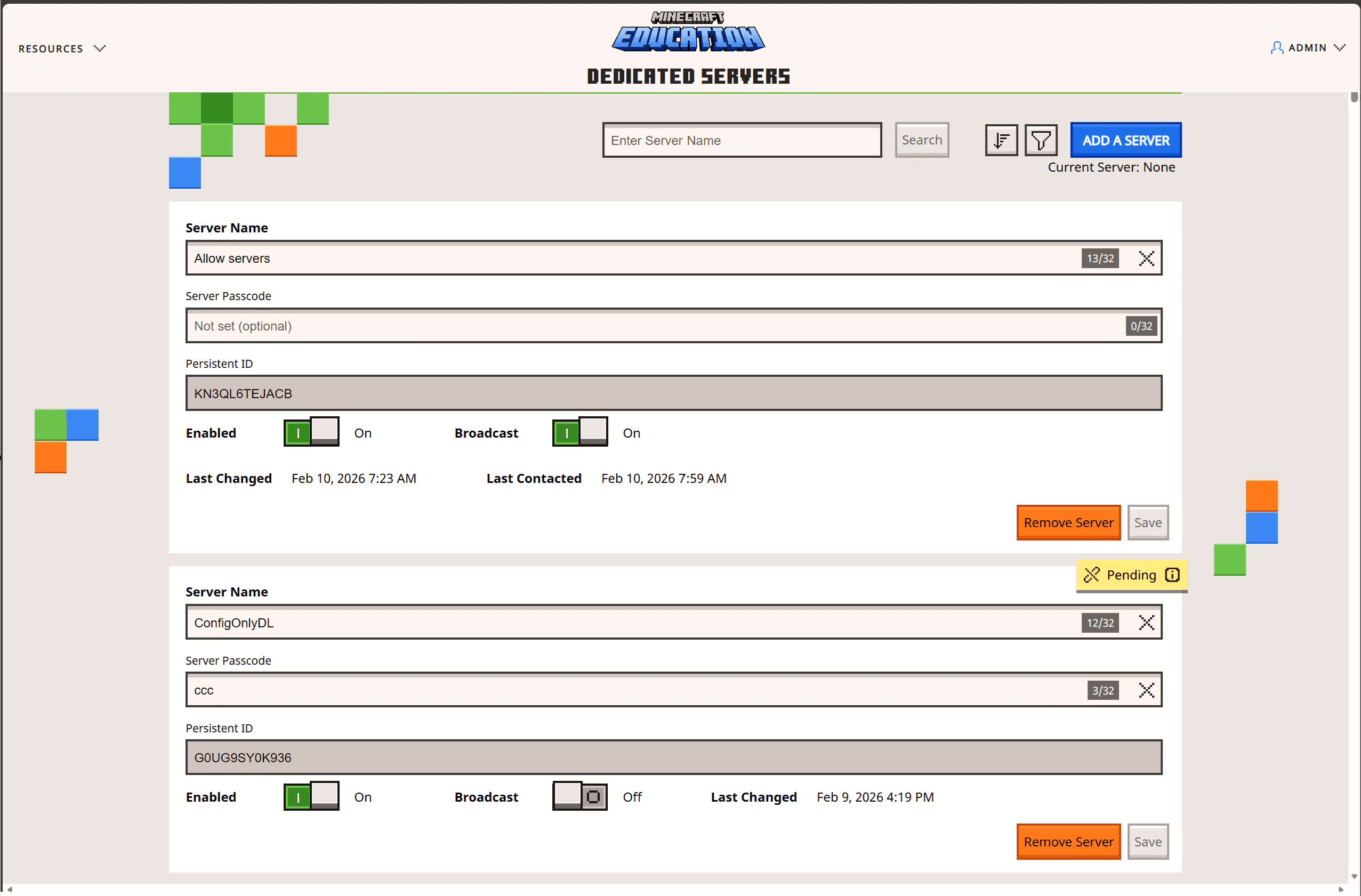
Dedicated Servers let educators and IT administrators set up persistent multiplayer worlds that can support larger numbers of students at once. That's a meaningful upgrade from the standard multiplayer setup, which has always had limitations in scale and stability.
Here's what this means in practice:
Run large-scale classroom builds with more students at the same time
Enable cross-tenant multiplayer so different schools or organizations can join the same world
Host esports competitions or inter-school build challenges
Manage everything through an easy web portal, with scripting options for those managing multiple servers
For studios like Shapescape that build Minecraft Education experiences, dedicated servers change the game. It's now possible to design experiences that connect multiple classrooms, run organized competitions, or support ongoing collaborative projects, all in a stable, controlled environment.
MakeCode Takes Over: Simpler, More Unified Coding
Coding in Minecraft Education just got a cleaner home. With this update, all in-game coding now lives inside MakeCode — including block-based coding, JavaScript, and Python.
Python Notebooks is no longer supported as a separate coding environment. While that might feel like a loss at first, the upside is significant: students and teachers now work in one consistent space, making it much easier to move between coding styles or switch from beginner blocks to text-based code as skills develop.
For educators teaching computational thinking or computer science, this means less setup time, less confusion, and a much smoother experience from the first lesson to the advanced project.
New Mobs, Blocks & Items: The Copper Age & Mounts of Mayhem
Minecraft Education is now caught up with two major Bedrock game drops — The Copper Age and Mounts of Mayhem — and they add a lot of creative and educational texture to your worlds.
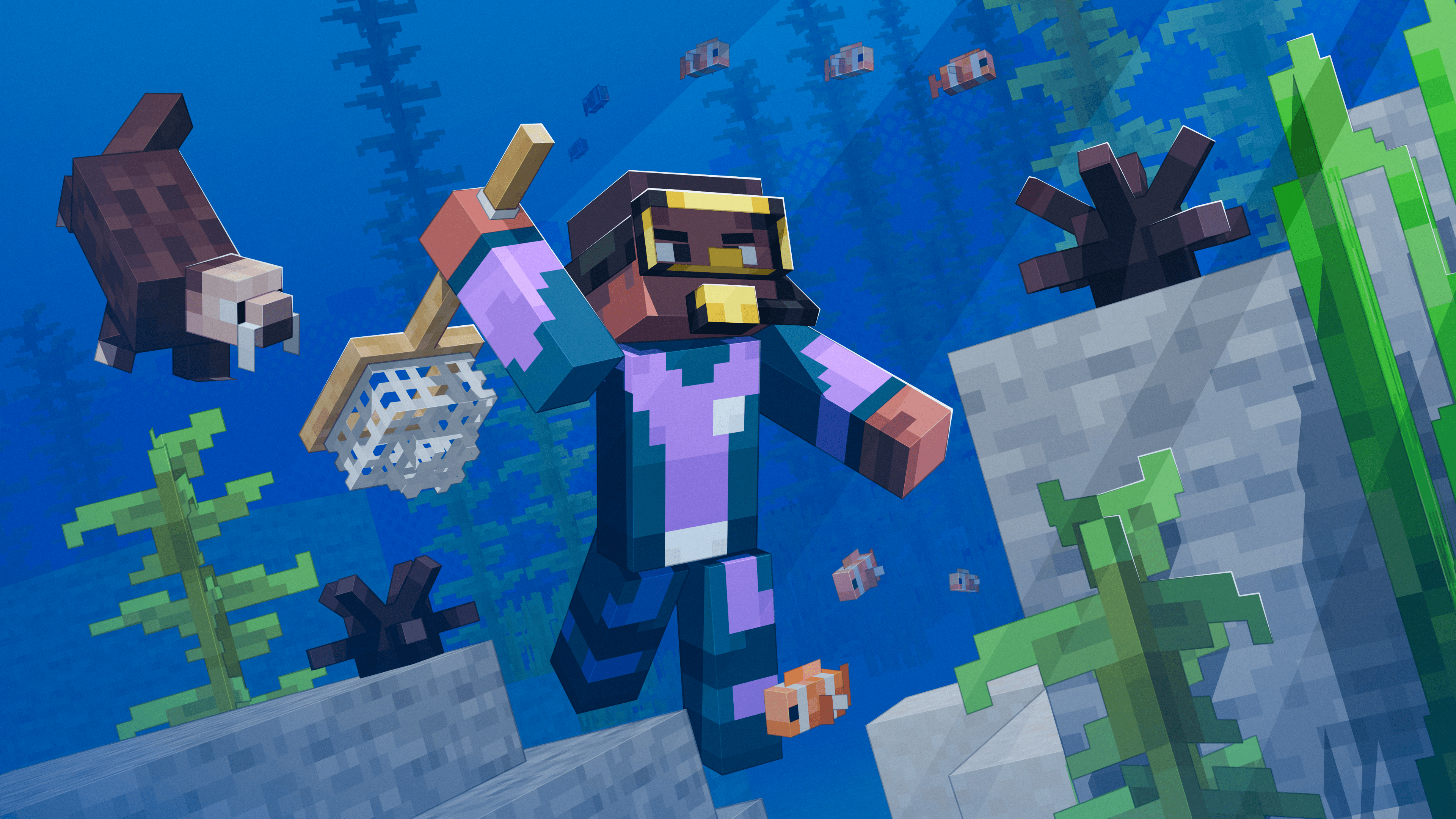
New mobs: Copper Golem, Nautilus, Zombie Nautilus, Zombie Horse, Camel Husk, and Parched
New blocks: Copper Chest, Copper Lantern, Shelf
New items: Copper tools, copper armor, copper nuggets, spear, and a new Breath of Nautilus effect. Spawn eggs are now sorted by category, which makes world-building much tidier.
These additions are immediately useful in educational contexts. The Copper Golem, for instance, is a fantastic prompt for lessons on automation, engineering, and design. The new copper building blocks open up all kinds of architecture, history, and art projects.
Performance & Platform Updates
Under the hood, this update also improves performance and multiplayer stability — two things that matter a lot when you're managing a class of 30 students all in the same world.
A few platform notes worth knowing:
Windows 32-bit is no longer supported
iOS 15+ and macOS 14+ are now the minimum requirements
Android and Chromebook 32-bit devices are still supported for now
If your school is on older hardware, it's worth checking whether your devices meet the updated requirements before updating.
What This Means for Minecraft Education Experiences
At Shapescape, we design learning experiences inside Minecraft Education for organizations like NASA, BBC, and UNESCO. Updates like this one directly shape what's possible in those experiences.
Dedicated Servers enable building for larger audiences with greater reliability. The new mobs and blocks add fresh storytelling and design possibilities. And a cleaner coding environment means we can create better-scaffolded coding lessons within our experiences. Under the hood, it unlocked many additional capabilities, allowing us to create more immersive and diverse experiences than ever before.
In short, this is a meaningful update. It expands what you can do in the classroom, and it expands what Shapescape can build for you.
Ready to Explore What's New?
If you're an educator wanting to update to version 1.21.13x, you can find the update guide on the Minecraft Education support site.
If you're looking to bring a custom Minecraft Education experience into your school, museum, or organization — let's talk.
Shapescape creates playful learning experiences in Minecraft Education for global organizations. We believe learning should feel like play.